Microsoft Teams Dethrones Slack, Becomes Most Downloaded Business Chat App in 2019

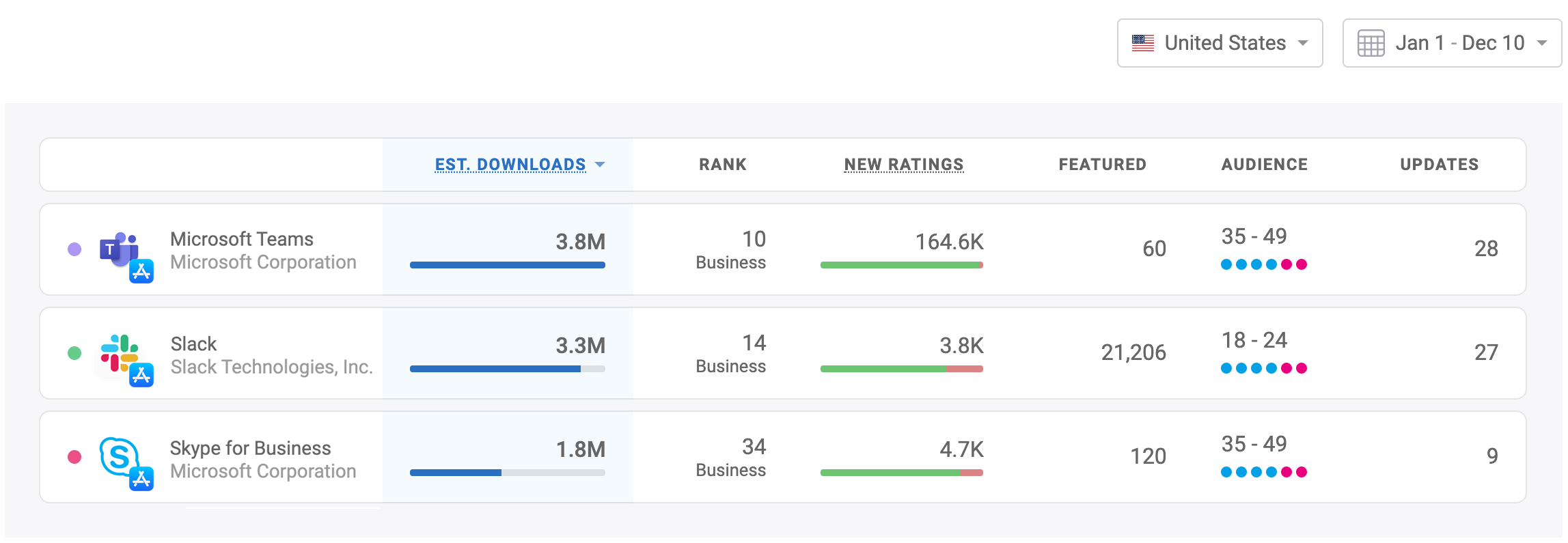 Microsoft has been on a mission to own business chat, but Skype for Business was a flop. Meanwhile Slack managed to take over offices and teams all over the world. And then Microsoft started pushing Teams — Here’s how all …
Read
New: Get a Summary of App Downloads & Revenue to Slack
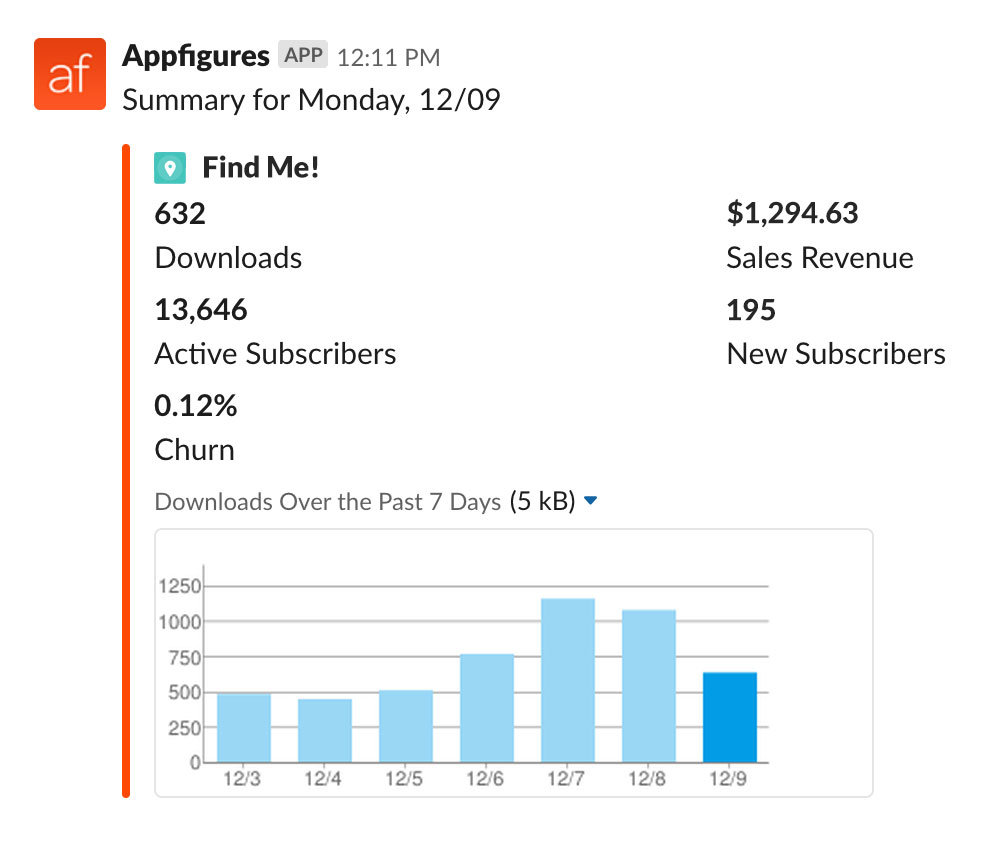 We’ve rolled out a new type of alert that sends a daily or weekly summary of your downloads, revenue, and subscription metrics right into your Slack. The Sales Summary alert will include the following data points: Downloads Downloads trend for …
Read
Introducing Appfigures for Android
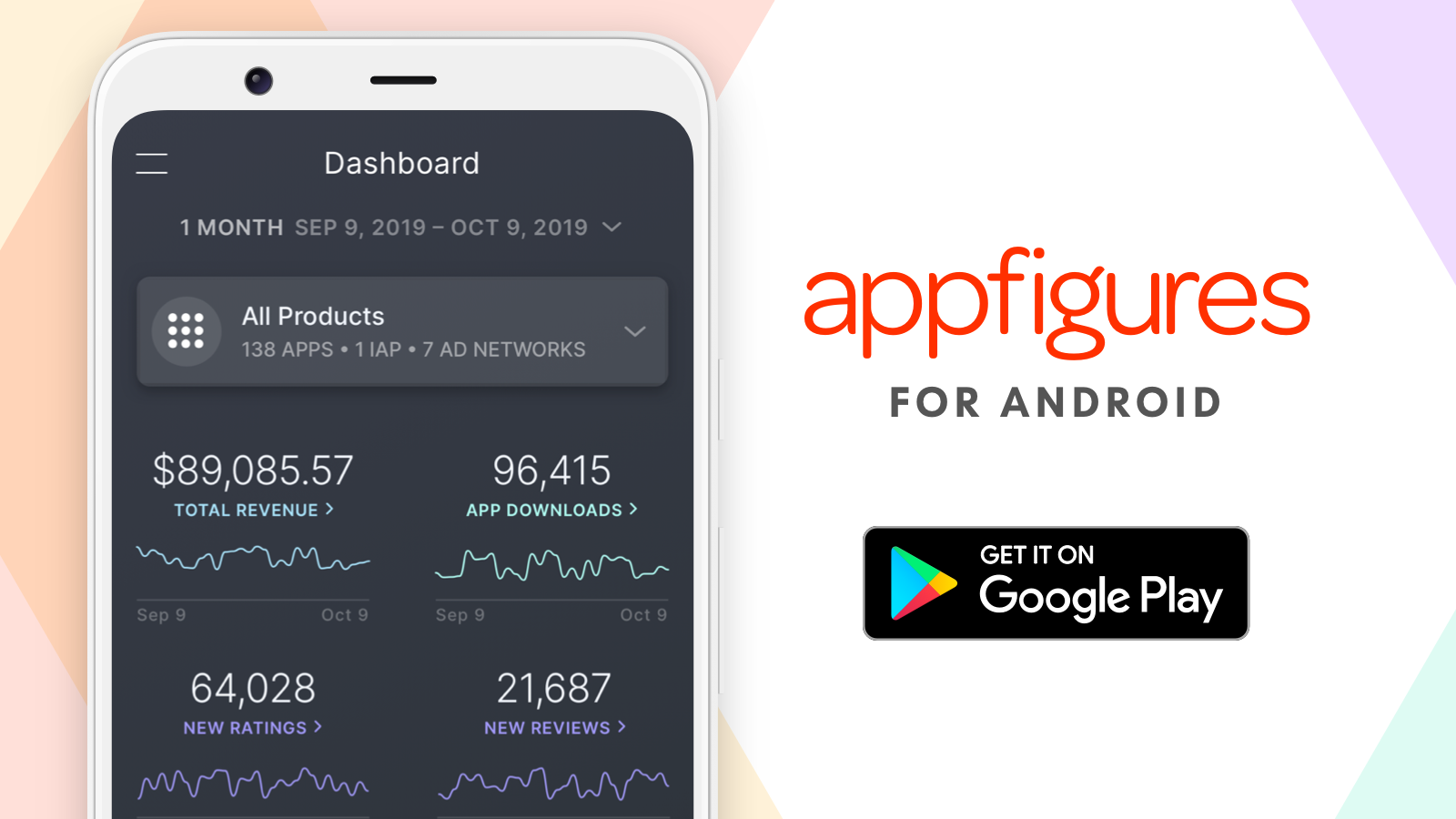 It’s finally here! The Appfigures mobile app is now live on Google Play. You can now access all of your app’s most important analytics right on your device, your Android device. Simple. Beautiful. Powerful. Our mobile app, which is now …
Read
New ASO Keyword Tools to Increase the Visibility of Your App 🚀
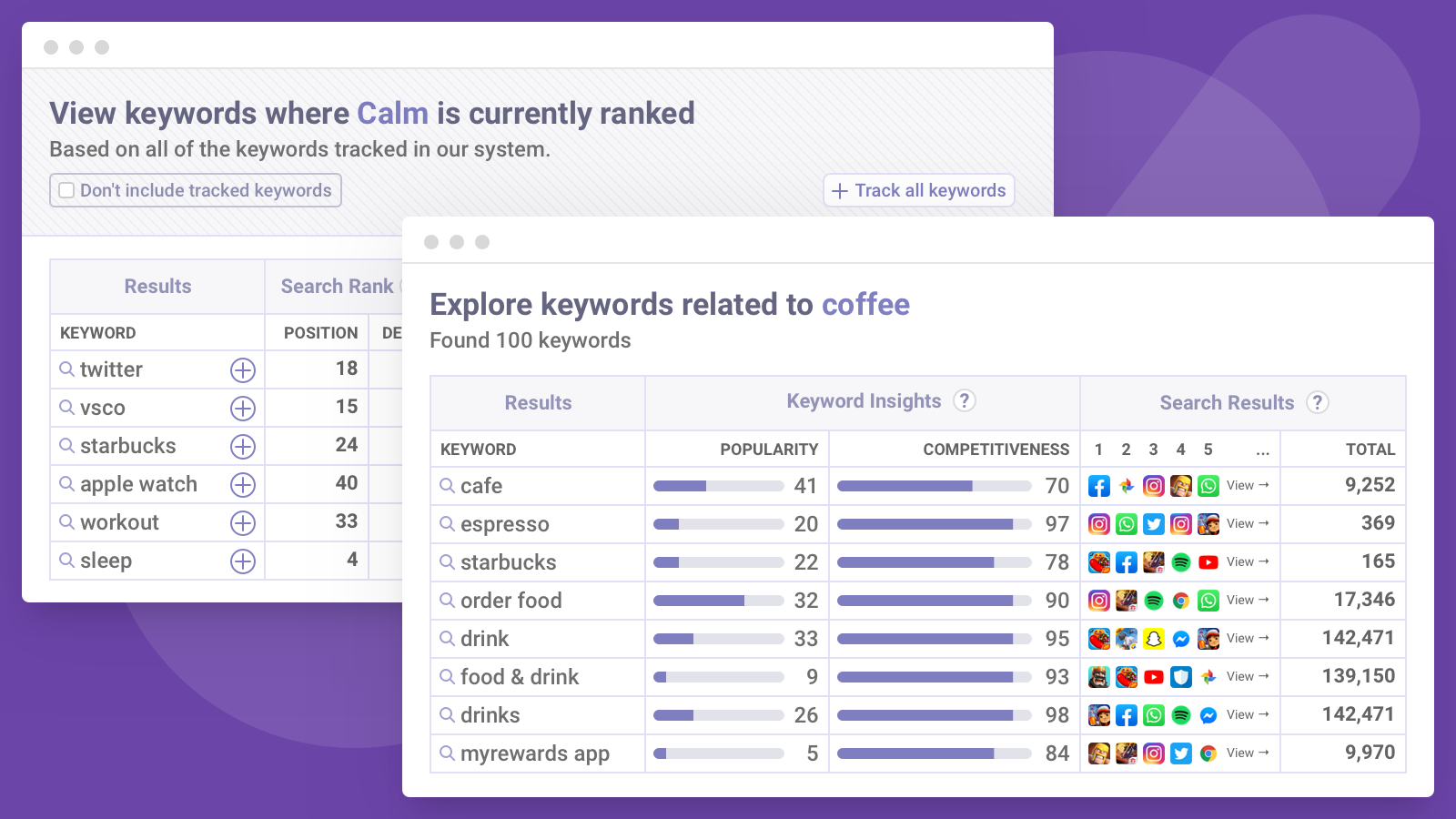 Our ASO tools now include two new ways for you to find more keywords you can optimize for: Related Keywords, which gives you more relevant keywords to explore, and Ranked Right Now, which shows you keywords your apps are ranked …
Read
Appfigures Joins the GitHub Student Developer Pack
 Our goal at Appfigures is to make actionable insights accessible to as many mobile app makers as we can, which is why we’re excited to announce we’ve partnered with GitHub Education to make Appfigures available in the GitHub Student Developer …
Read
Apple Erases More than 20 Million Ratings in Two Days
 Update 10/29: Apple has acknowledged this as an error and are in the process of restoring ratings to all affected apps. Many developers, large and small, woke up last week to a very sad reality, where their apps were stripped …
Read
What Kind of Apps and Games Get Featured on Google Play?
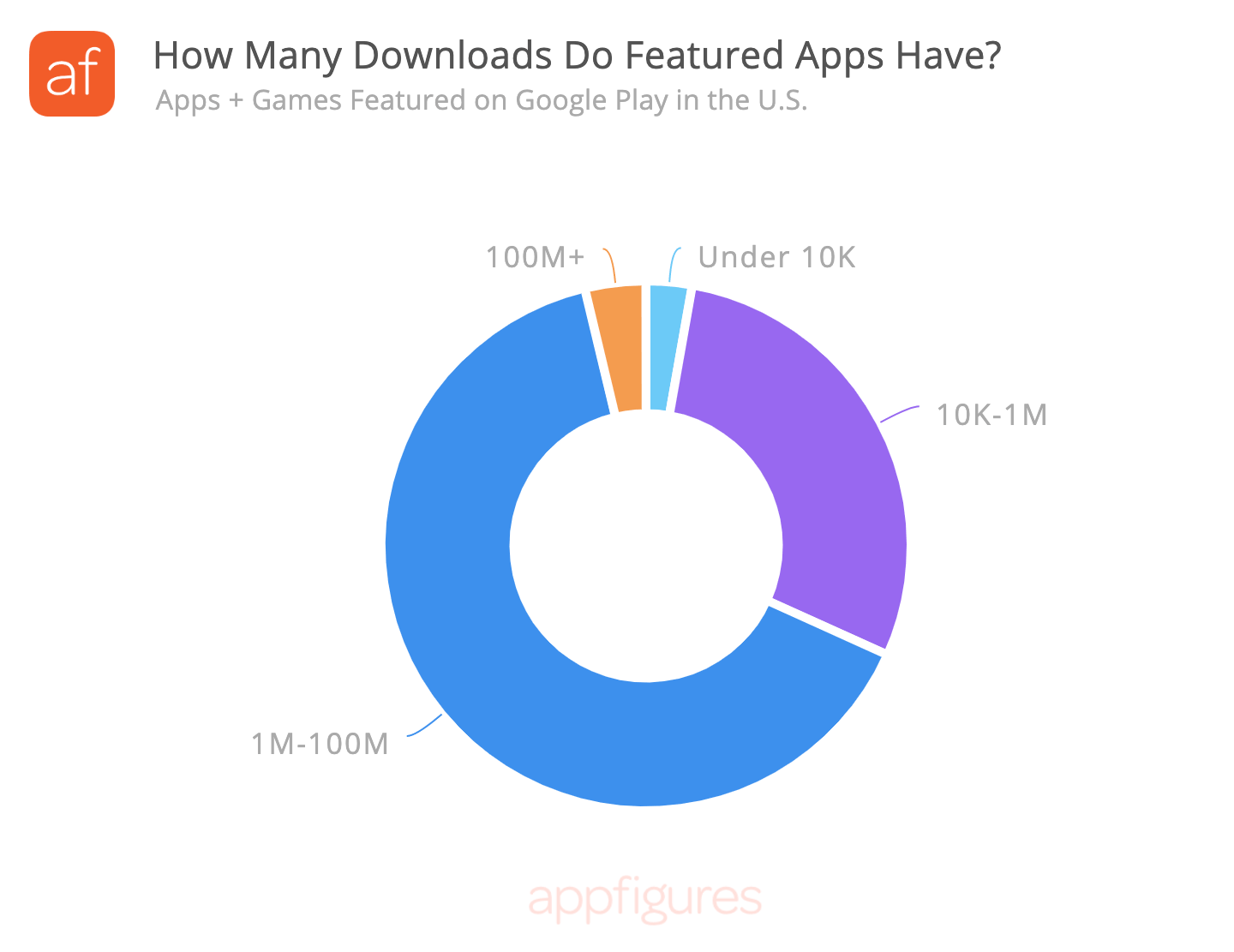 Getting featured on Google Play is something every Android developer would like to experience, but it isn’t something you can just ask for or pay for. In fact, many developers don’t know what makes Google feature an app. To shed …
Read
Now Tracking Keyword Performance in China, Russia, and More!
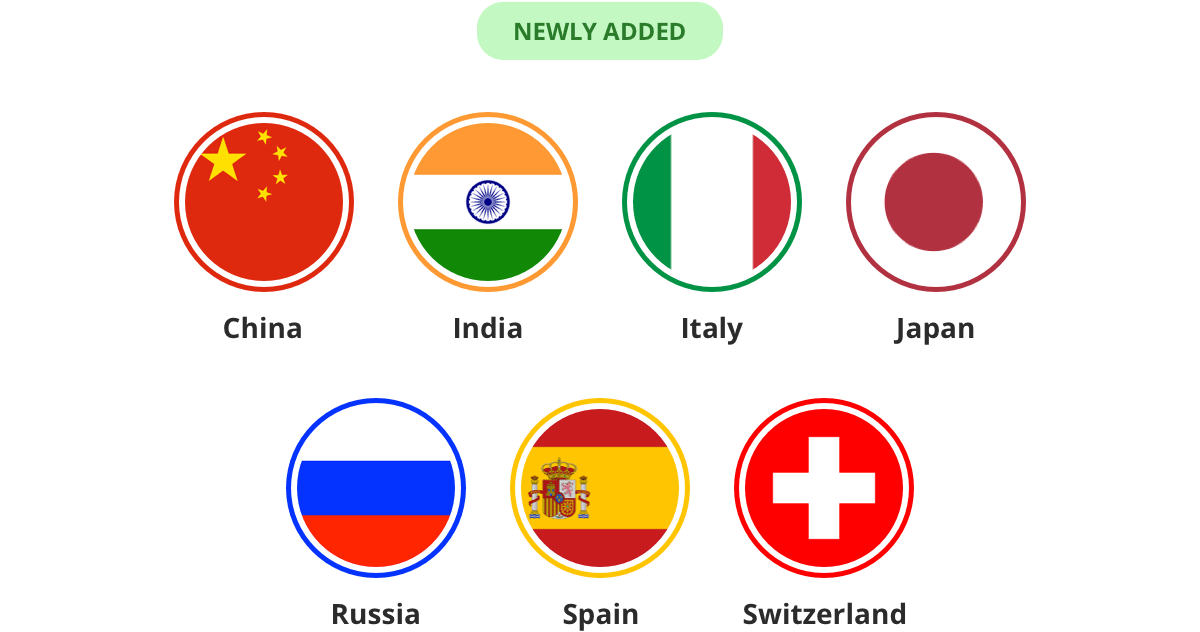 We’re continuing to expand the global coverage of our new ASO tools so you can optimize globally. Over the last few months we’ve added the most requested countries, including: China, India, Italy, Japan, Russia, Spain, and Switzerland. You can start …
Read
An Update About App Store Connect Syncing with Two-Factor Authentication
For the last few weeks App Store Connect has been experiencing issues with Two-Factor Authentication where logins wouldn’t persist for more than a few days even though they’re supposed to persist for 30 days for account owners and never expire …
Read
Read
This is What Going Viral Looks Like – The Numbers Behind FaceApp
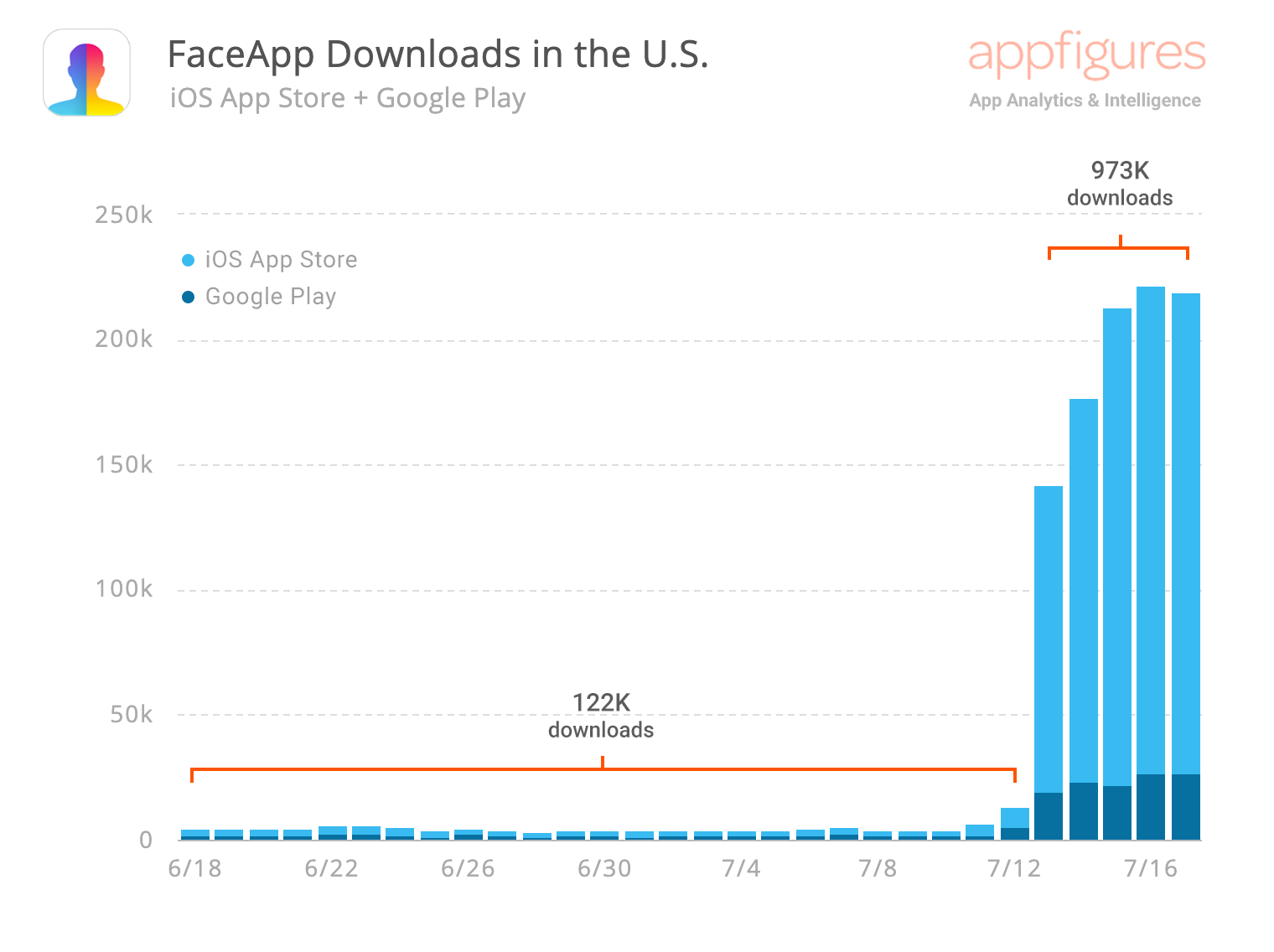 FaceApp has been in the news a lot this week. The seemingly magical AI face morphing app went viral earlier this week, resulting in a meteoric rise in Top App charts. Let’s take a look at the numbers behind FaceApp. …
Read